
Summary
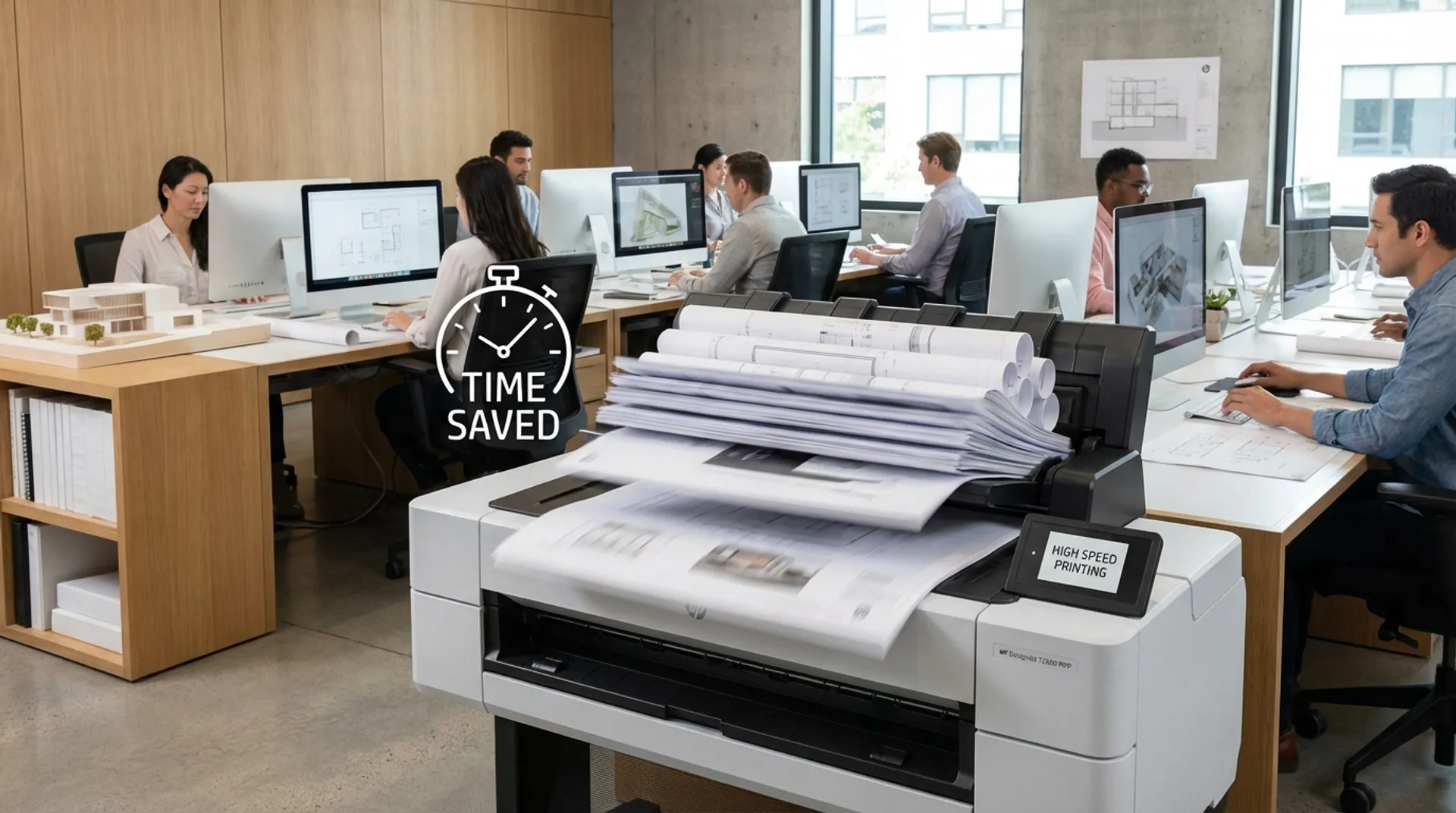
Time is the only raw material in an architectural firm that you cannot buy more of. Deadlines are sacred, and the pressure to perform is high. Yet, in many busy firms, we still see an old-fashioned scene: highly educated employees standing around waiting at the plotter. Waiting for a heavy PDF to process, waiting for the print to finish, or waiting until the previous job has been fished out of the messy collection basket. The HP DesignJet T2600 MFP puts an end to this inefficiency. By combining pure processing power (Adobe PDF Print Engine) with radical ergonomic improvements, this machine transforms your print room from a bottleneck into a productivity engine.
The Hidden Costs of “Just Printing Something Quickly”
Let’s sketch a recognizable scenario. It’s Friday afternoon, just before 4:00 PM. There is a crucial site meeting with the client at 5:00 PM. The project architect still needs to quickly print the latest revisions of the electrical plan, the HVAC diagrams, and the facade elevations. The files are large, full of complex layers, transparencies, and embedded images.
He presses ‘Print’ and… nothing. The driver’s progress bar crawls forward agonizingly slowly. The plotter stands still, displaying the message “Spooling” or “Processing” on its screen. Meanwhile, a colleague is waiting who “also quickly needs” an A1.
This scenario plays out daily in hundreds of Belgian firms. It seems innocent: “It only takes 5 minutes.” But let’s do the math.
- If 3 employees lose 10 minutes daily waiting, messing around with paper rolls, or sorting at the printer.
- That is 30 minutes a day.
- That is 2.5 hours a week.
- That is 130 hours a year.
- At an internal cost rate of € 60/hour, that is € 7,800 in lost productivity per year.
Suddenly, that cheaper, slower plotter doesn’t seem like such a budget-friendly choice anymore, does it? This is the “hidden cost” of inefficient hardware.
The Technical Solution: Speed Under the Hood
Speed in brochures is often expressed in “A1 prints per hour”. However, that figure only tells half the story. What matters is the total job turnaround time: the time from “click on print” to “paper in hand”.
1. Adobe PDF Print Engine (APPE)
The biggest delay is often not in the mechanical printing itself, but in data processing (RIPPING). A complex PDF with transparencies must be converted into dots (raster).
- Without APPE: The user’s computer (or the driver) has to do this heavy lifting. This slows down the architect’s PC and then sends gigantic files over the network.
- With APPE (on the T2600): The DesignJet has a built-in Adobe PDF Print Engine. The PC sends the compact PDF directly to the printer. The powerful processor and memory (128 GB virtual) of the T2600 take over the calculations.
- The Result: Your employee’s PC is immediately free again, the network doesn’t clog up, and the printer starts running almost instantly. Complex files fly through.
2. Dual Roll System: Re-roll No More
How often do you switch between formats or paper types?
- Preliminary design on A0 standard paper.
- Detail drawing on A1 or A2.
- Presentation on A0 coated paper.
With a 1-roll machine, you have to walk to the printer every time, unload the roll, find the new roll on the rack, and load it. This takes 2 to 3 minutes per switch. The T2600 has two rolls (up to 91.4 cm wide) loaded. The machine recognizes how large your print is and automatically takes the right roll. Or, you select “Coated Paper” in the driver and it switches automatically. This saves multiple interventions daily.
3. Integrated Top Stacker: The Ergonomic Game Changer
This might be the most important feature for the workflow, even though it seems merely mechanical. With conventional plotters, prints fall into a fabric basket under the printer. If you print 20 plans:
- They fall over each other.
- They curl up.
- The order gets mixed up.
- You have to bend down and search for the right drawing on your knees (“Is this version 3 or 4?”).
The HP DesignJet T2600 has an Integrated Top Stacker.
- The prints come out at the top (at hip height).
- They are stacked completely flat on an output tray.
- The stacker can handle up to 100 prints.
- Project A and Project B remain neatly separated.
- The prints are immediately ready to be bound or taken away. No folding, no creases, no sorting.
Business Fundamentals: ROI of Time Savings
Let’s return to the numbers. An HP DesignJet T2600 is an investment in the high-end segment. But does it pay for itself?
- Calculation Example:
- Budget Plotter: Costs € 1,500. Slow, 1 roll, no stacker. Employees cumulatively lose 30 min/day.
- HP DesignJet T2600: Costs (for example) € 6,000 or € 150/month in leasing. Saves those 30 minutes.
- Savings: As calculated, 30 min/day equals € 7,800 per year in productivity.
- Conclusion: The T2600 pays for itself in less than a year, purely through the hours your architects are not standing by the printer waiting. The machine is essentially “free” due to the efficiency gains.
Furthermore, there is the job satisfaction factor. Nothing is more frustrating for a creative professional than fighting with faltering equipment. Good tools attract good personnel.
Scanning and Collaborating
The T2600 is an MFP (Multifunctional Printer). It has an integrated scanner on top.
- Scanning: You scan changes from the contractor (on paper with red pen) directly back to your network folder or cloud (Dropbox, OneDrive, Google Drive).
- The Control Panel: A huge 15.6 inch touchscreen (as large as a laptop). You see a preview of your print or scan in full detail. You can even zoom in directly on the screen to check if that one detail is legible before you print.
Media & Supplies
Speed must not come at the expense of quality. If the printer prints fast, the ink must also dry fast.
- HP Bright White Inkjet Paper (90 g/m²): Use this for the sharpest lines and the highest contrast at high speeds. The ColorPRO technology prevents ink from bleeding, even in “Fast” or “Draft” mode. The ink is essentially fixed on the surface.
- Recycled Paper: HP also offers media made from recycled fibers, fitting the sustainability goals of modern architectural firms.
Europlan Service
We ensure that the speed is available from day one. An F1 car doesn’t perform without a pit crew either.
- Installation: We install the right PostScript drivers for maximum speed. We often see clients using the generic drivers, making them miss out on the power of APPE. We solve this.
- Job Accounting: Do you want to pass on print costs to your clients? We configure the accounting software so you get a report of the number of square meters per project.
- Support: With our own technical service in Genk, we are quickly on-site. The T2600 is a robust machine, but preventive maintenance ensures it keeps performing.
Conclusion: Stop Waiting
Every minute your architects wait for a print is a minute they don’t spend on designing, building applications, or client contact. The HP DesignJet T2600 transforms the printer from a bottleneck into a productivity tool. It is the silent force in your office that ensures deadlines are met.
Is your firm ready for the acceleration?