
Summary
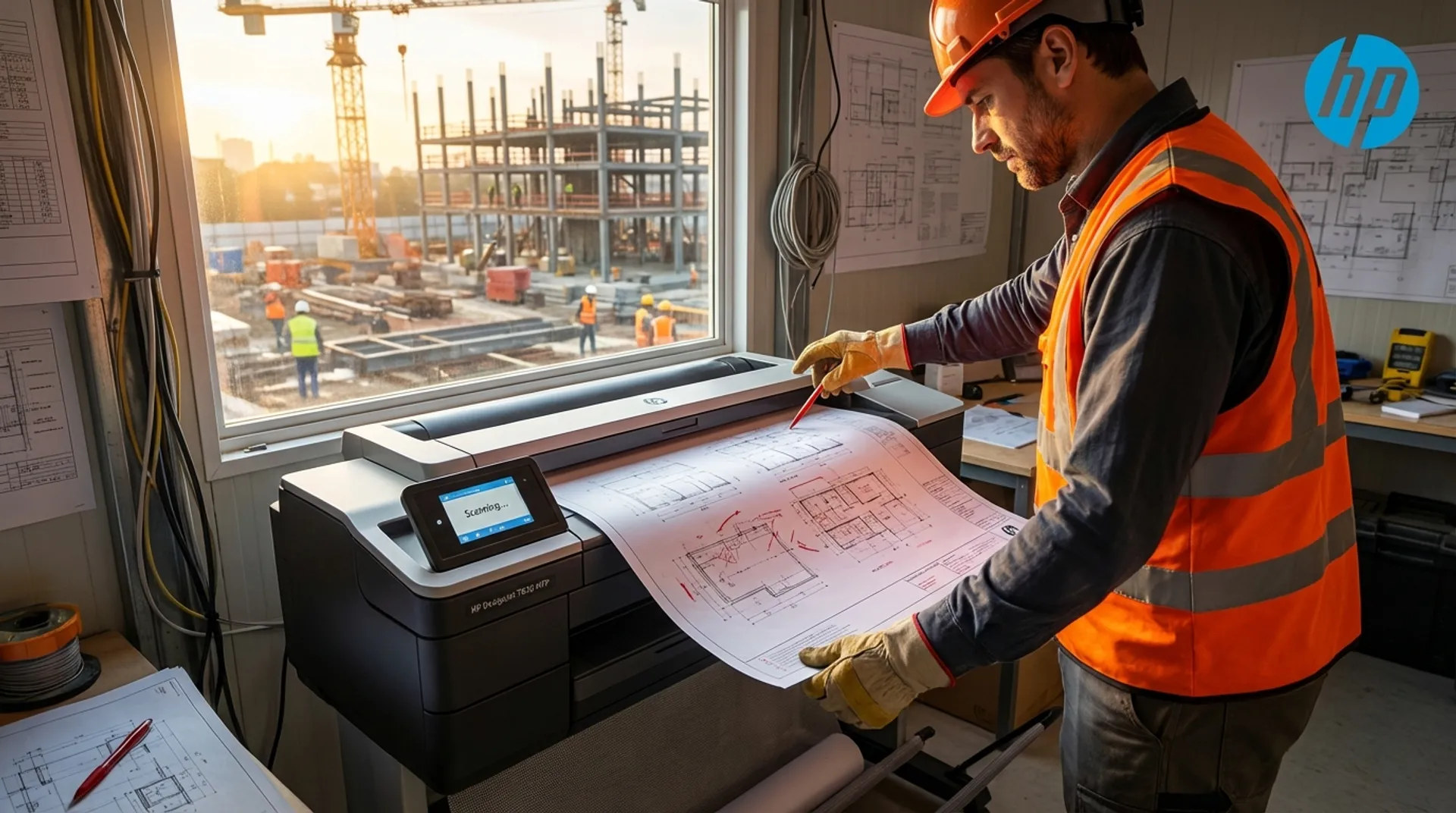
We live in a digital age of BIM, 3D models, and tablets. Yet, the construction site remains essentially an analog environment. When a site manager, architect, or subcontractor gathers around a plan, the pencil and red marker still reign supreme. A quick sketch, a correction of a measurement, an indication of a pipe that’s in the way. But what happens after that sketch? How does that crucial information get back into the digital model at the office? Often via a blurry photo on WhatsApp. This is the source of countless errors and misunderstandings. The HP DesignJet T830 MFP closes this gap between physical reality and the digital model by making professional A0 scanning directly available in the site trailer.
The Gap Between Office and Concrete (Digital Gap)
At the architectural firm, everything is perfectly drawn in vectors. But reality is stubborn. A foundation pile is 10 cm different than on the plan. An existing wall turns out to be thicker upon demolition. The workflow on many sites today looks like this:
- The site manager and architect stand at the excavation pit.
- They observe a problem.
- They grab the paper plan (A0) and draw the solution with a red marker (“As-Built”).
- The site manager takes a photo with their smartphone (often tilted, with shadows, and low resolution).
- They email or message the photo to the draftsperson at the office.
- The draftsperson tries to decipher the scribbles, calls back 3 times for explanation, and redraws it.
The risk: Interpretation errors. A “7” that looks like a “1.” A dimension line that falls just out of frame. The consequence: The final drawing is incorrect.
The Solution: Direct Large Format Scanning in the Trailer
The HP DesignJet T830 MFP is the first affordable and robust large-format multifunctional (Print + Scan + Copy) that fits and functions in a site trailer. It fundamentally changes the workflow.
1. The Scanner: Precision over Camera
The scanner on top of the T830 is a CIS scanner (Contact Image Sensor).
- Width: It scans documents up to 91.4 cm wide (36 inches - A0+).
- Resolution: 600 dpi optical resolution. Every note, every pencil stroke, every millimeter is sharp and visible.
- Light: The built-in LED bar illuminates the original perfectly evenly, without shadows or folds.
- Speed: An A1 color scan takes only a few seconds.
2. The Workflow: Scan-to-Cloud / Scan-to-Share
You don’t need to be an IT expert to scan. The large touchscreen is intuitive.
- Step 1: The site manager feeds in the plan with the red annotations.
- Step 2: On the screen, they choose the destination.
- USB: Directly to a stick.
- Network Folder: To the project server at the office (via VPN).
- Email: Directly as a PDF attachment to the architect.
- Cloud: Directly to Dropbox, OneDrive, or Google Drive via HP Smart App integration.
- Step 3: The draftsperson at the office immediately receives a perfectly flat, readable PDF file. They can import this as an underlay in AutoCAD or Revit (“Overlay”) and mirror the changes exactly.
Business Fundamentals: Speed = Profit
In construction, waiting is lethal for margins.
- Every hour a crew of steel fixers stands idle waiting for a decision costs hundreds of euros.
- Every error discovered only later (e.g., a pipe running through a beam) costs thousands of euros in remedial work.
The T830 MFP eliminates communication noise.
- Burden of Proof: By scanning and saving every change immediately, you build a legally watertight file. “I told you so / I drew it like this” is there in black and white (or red on white) in the cloud.
- Acceleration: The cycle of Observed Error -> Sketch Solution -> Digitize -> Draw Final Plan -> Print is reduced from days to hours.
Smart App Integration: The Scanner in Your Pocket
You don’t even have to be at the machine to share the scan. With the HP Smart App on your tablet or phone:
- You can see the scan the machine is making directly on your screen (preview).
- You can forward the scan directly via WhatsApp, Teams, or Slack to the entire project group.
- You can even use your phone’s camera to “scan” A3/A4 documents (with perspective correction) and send them directly to the plotter to be enlarged to A1.
Media & Supplies: Scanning Difficult Originals
Construction plans on site are often in poor condition. Wrinkled, folded, dirty.
- The T830 has an advanced paper transport mechanism that safely handles even slightly damaged originals.
- Thickness: The scanner can handle media up to 0.8 mm thick. So you can also scan sketches on thick cardboard, foam board, or even samples of wallpaper/flooring for reference.
- Tip from Europlan: For very fragile or torn originals, use a Carrier Sheet (a transparent protective sleeve). We supply these in A0 format. This protects both your valuable original and the scanner’s glass plate.
Europlan Service
We ensure you stay mobile, even if the technology lets you down.
- Rental Devices: Do you have a 6-month project where many revisions are expected? Rent a T830 MFP instead of buying it.
- Training: We provide short, practical training for your site managers and foremen upon delivery. We teach them not just how to change paper, but more importantly how the scan functions and the touchscreen work. We set up shortcuts (“Scan to Project Manager”) for them.
- Maintenance: A scanner glass plate on site gets dirty. We supply the correct cleaning kits and teach you how to prevent streaks on scans.
Conclusion: The Digital Circle is Complete
The site is no longer a black hole for information. With the HP DesignJet T830 MFP, data flows seamlessly from digital to analog and back again. You combine the flexibility of paper and pencil with the speed of digital communication.
Stop gambling on blurry photos. Start scanning professionally.
Do you want to see how easily this works?