
Summary
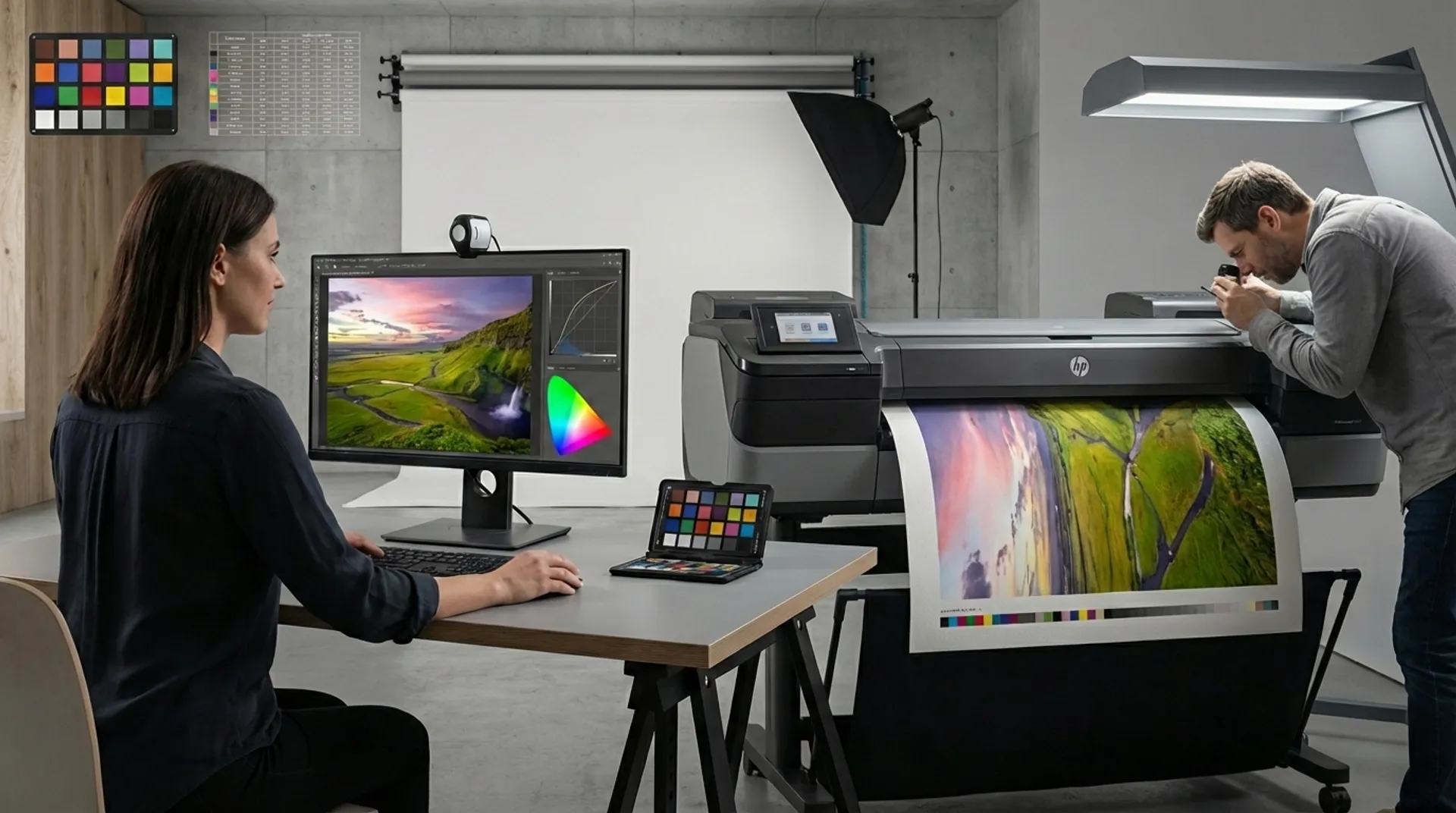
For the professional photographer, the print is the ultimate physical manifestation of their artistic intent. In this blog post, we explore the technological superiority of the HP DesignJet (e.g., the Z9 dr) Z-series, with a specific focus on the HP DesignJet (e.g., the Z9 dr) Z9+. We discuss how ‘HP Pixel Control’ and the built-in spectrophotometer ensure unparalleled color precision on formats from 61 cm to 112 cm. Additionally, we analyze the business aspect of in-house printing and the emotional impact of high-quality substrates on the end customer.
The Emotion of the Tangible Memory
In a digital age where billions of images vanish onto screens, the physical print is an act of resistance. It offers a point of stillness and a stamp of quality. But for a photographer, the transition from screen to paper is often a source of frustration: “Why do the colors look different on paper than on my monitor?”
At Europlan, we understand that color management is not a mathematical problem, but an artistic necessity. The right technology takes the uncertainty out of the process.
The Technology Behind Perfection: HP DesignJet Z9+
The HP DesignJet Z9+ was specifically developed for those who do not settle for ‘good enough.’ While standard printers often struggle with subtle skin tones or deep blacks in black-and-white photography, the Z-series excels here.
HP Pixel Control: A New Vision of Output
Traditional printers mix colors by placing drops in patterns (dithering). The HP DesignJet Z9+ uses HP Pixel Control. This algorithm determines for each pixel which ink combination provides the smoothest transition.
- Smooth Gradations: No more visible ‘steps’ in a clear blue sky or soft shadows.
- Dual Drop Technology: By using different drop sizes, light-colored inks (such as Light Cyan or Light Magenta) are no longer necessary, increasing efficiency without sacrificing quality.
Format and Finishing: The Power of the Vertical Trimmer
Whether you’re making prints at a width of 61 cm (for intimate portraits) or spectacular landscapes at 112 cm, finishing is often a time-consuming task.
The HP DesignJet Z9+ is the first large-format photo printer with an integrated vertical trimmer.
- Time Savings: You no longer have to manually trim prints on a separate cutting table. The printer delivers the prints exactly to size, for example, precisely 50 cm x 70 cm.
- Reduced Waste: Because the machine cuts with extreme precision, you minimize the risk of human error when finishing expensive Fine-Art rolls.
The Color Chain: From Spectrophotometer to ICC Profile
A common problem among photographers is inconsistency between different paper types. A print on glossy photo paper looks completely different than on matte cotton paper.
The solution from HP and Europlan? The built-in i1 spectrophotometer. This technology allows you to create your own ICC profiles for every type of media in your range. When you load a new roll of paper from Europlan (for example, a 310 g/m² baryta paper), the printer performs a calibration. This guarantees that the colors you see on your calibrated monitor exactly match the output on paper.
Media Choice: The Canvas for Your Masterpiece
Europlan offers an extensive range of substrates that showcase the HP Vivid Photo Inks to their full potential:
- Smooth Fine Art Paper (100% Cotton): For a soft, painterly look without reflections.
- Satin & Glossy Photo Paper: For maximum color saturation and a modern feel.
- Canvas (Matte/Satin): Ideal for reproductions stretched onto wooden frames, for example, 4 cm thick.
The Psychology of Grammage
Don’t forget that the perception of quality is often linked to the weight of the paper. A certificate or a work of art printed on a 112 cm wide medium with a thickness of 300 g/m² radiates an authority that thinner paper can never match.
The Business Case: ROI of In-House Fine Art Printing
Many photographers hesitate due to the cost of ink and hardware. However, let’s look at the business fundamentals:
- Margin Control: By printing yourself, you keep the full margin that would otherwise go to an external lab.
- Service Speed: Customers who have a shoot today can pick up their framed 80 cm x 120 cm print tomorrow.
- Exclusivity: You can make small adjustments yourself during the printing process (“artist proofing”), which increases the value of the final product.
With Europlan’s leasing options, you spread the cost of an HP DesignJet Z9+ over a term of, for example, 36 or 48 months, meaning the monthly cost is often covered by the sale of just two to three large prints per month.
Conclusion: Your Vision, Our Technology
The path from a digital file to a museum-quality print is a synergy of artistic insight and technological perfection. With the HP DesignJet Z-series, the precision of HP Pixel Control, and the in-depth media knowledge of Europlan, you have all the tools to take your photography to the next level.
Want to experience the depth of HP Vivid Photo Inks for yourself?
Shall I prepare a set of test prints for you on various 61 cm wide Fine-Art media, or would you like to visit our showroom for a demonstration of the vertical trimmer on the Z9+?
[Contact Europlan’s Fine-Art specialists for a color consultation.]