
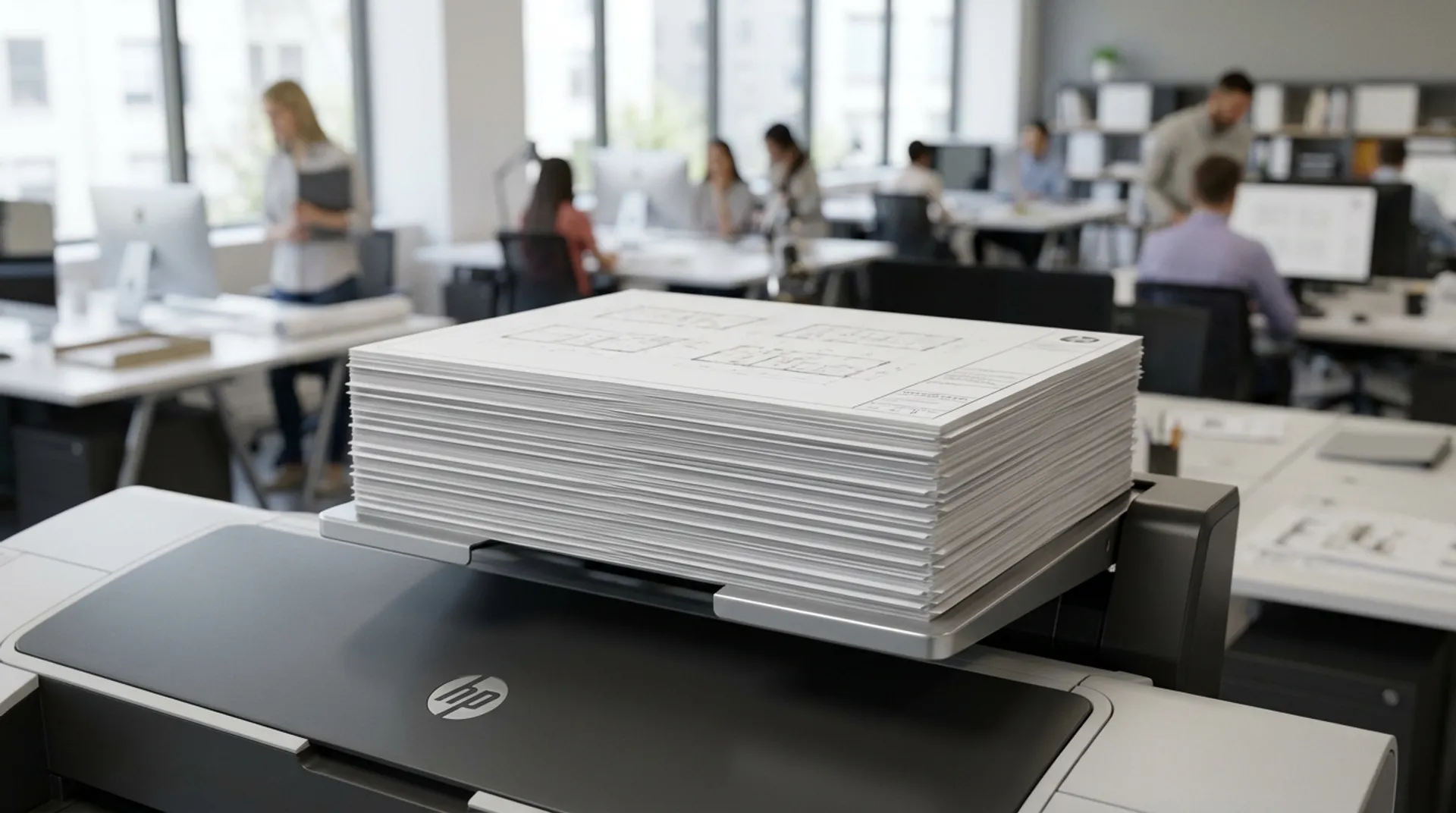
Summary: The Business Case in Short
You know the drill: you send 10 plans to the plotter. Plan 1 falls neatly into the basket. Plan 2 falls on plan 1. Plan 3 half-slides off, wrinkles, and pushes plan 1 onto the floor. The result: an unsorted chaos (spaghetti) that you have to untangle and sort manually. The time you gain with a fast printer, you lose at the collection basket. A professional Stacker solves this. It lays up to 100 prints flat and sorted, ready to be taken directly to the meeting.
The Annoyance: The “Collection Basket” vs. The Stacker
The standard ‘fabric basket’ under many plotters is fine for 1 or 2 sheets. But for a set of architectural drawings, it’s a disaster.
- Wrinkles: Prints that fall on top of each other in a curve remain curled.
- Order: The first printed page is at the bottom. You have to flip the whole stack to find page 1.
- Damage: Ink that is not yet 100% dry can smudge onto the next page as they slide over each other.
The Solution: Top Stacker vs. High Capacity Stacker
HP offers two solutions:
- Top Stacker (DesignJet T2600/XL 3600): The prints come out on top of the machine and are stacked flat.
- Capacity: Up to 100 A1 prints.
- Advantage: Does not take up extra floor space (footprint remains small).
- High Capacity Stacker (PageWide XL): An external unit for production.
- Capacity: Up to 500 prints.
- Advantage: You can let the printer run unattended for an hour.
Business Fundamentals: Time Savings in Sorting
Sorting a set of 50 drawings from a basket takes an average of 10 minutes (searching for page numbers, straightening, stapling). From a Stacker, you pick up the stack in 10 seconds, perfectly aligned. On an annual basis, this saves hours of frustrating searching.
Media & Supplies
Stackers work best with standard 80-90 gram paper. Be careful with very thin paper (tracing paper) or very thick cardboard; these can sometimes get stuck in a top stacker due to static electricity. HP Stackers have anti-static brushes to prevent this.
Europlan Service: Upgrade Your Current Plotter?
Do you have an HP DesignJet (e.g., the XL 3600 MFP) T1500 or T2500 without a stacker? Unfortunately, a stacker often cannot be retrofitted to older models. It is an important consideration when purchasing your next machine. We are happy to demonstrate the difference between a basket and a stacker in our showroom.
Conclusion: Order in Chaos
A tidy office starts at the printer. A Stacker ensures peace, overview, and professional-looking prints without wrinkles.
Do you want to see how this works?