
Summary
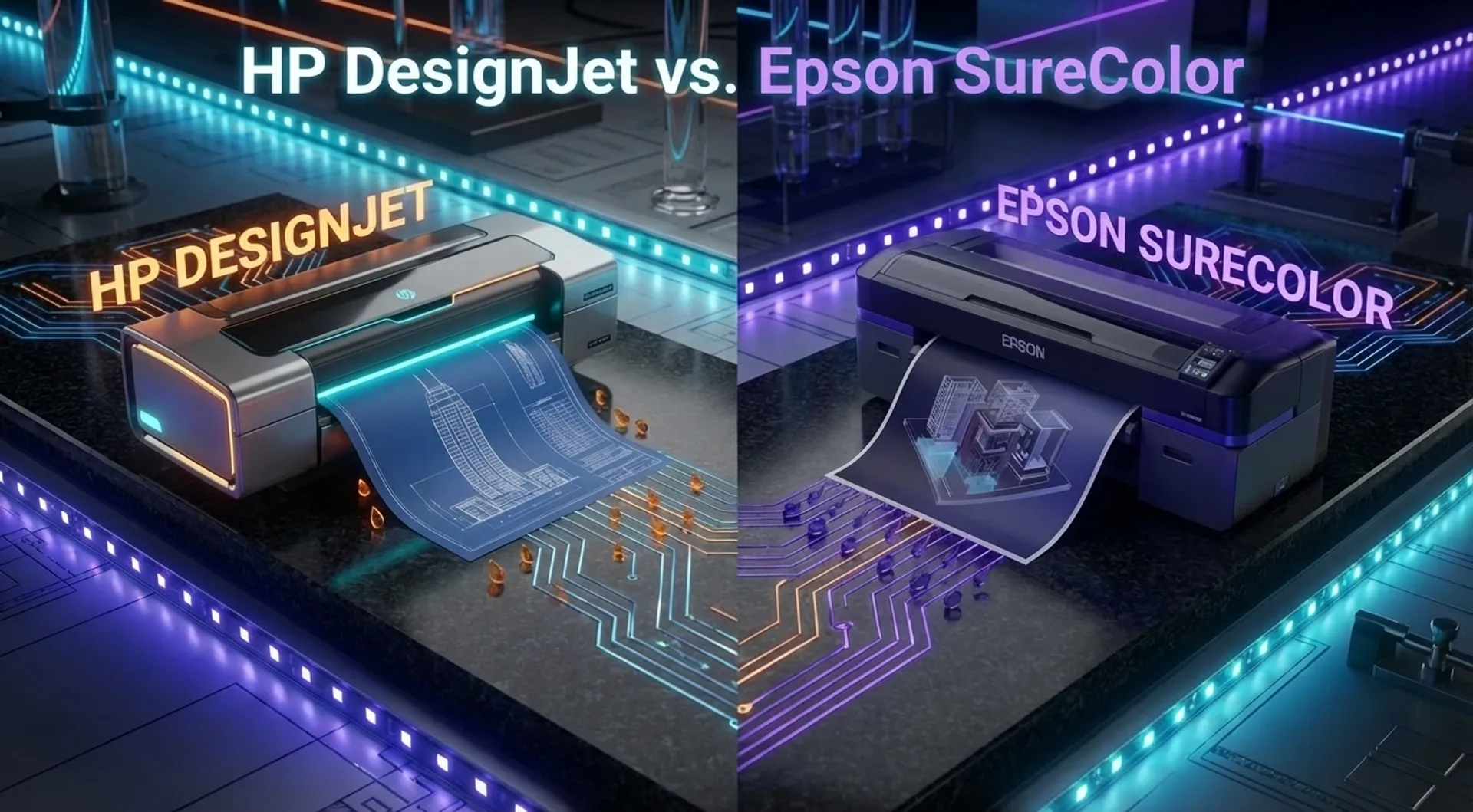
As an architect or engineer, you face a crucial choice when investing in a new large-format printer: do you go for the market leader HP DesignJet or the innovative challenger Epson SureColor? Both brands dominate the market and promise precision, speed, and reliability. But under the hood, the differences are fundamental. The printhead technology, ink chemistry, and the approach to workflow and maintenance differ day and night. In this comprehensive, technical comparison, we analyze Epson’s permanent piezo heads versus HP’s thermal heads and calculate what this means for your Total Cost of Ownership (TCO) in 2026.
The Eternal Battle in the Plot Room
For many architecture firms, engineering offices, and contractors, the plotter is still the beating heart of technical documentation. Despite the rise of BIM and tablets on-site, the paper plan in A0 or A1 format remains indispensable for overview, legal recording, and communication. Whether it’s an initial preliminary design for a building permit or detailed execution plans at scale 1/50, the output must be flawless. A line that is misinterpreted or a color area that is incorrect can lead to costly errors on the construction site.
At Europlan, we get the question every day: “What is actually the difference between HP and Epson? They both print, don’t they?” The answer is nuanced. It’s not a matter of “better” or “worse,” but of “different.” The choice depends on your specific priorities: are you looking for pure line sharpness for steel structures, water resistance for the site, or the ultimate ease of use for a team of 10 architects?
The Technical Solution: A Look Under the Hood
Let’s set aside the marketing terms for a moment and look at the technology. Here, the paths of the two giants diverge fundamentally.
1. Printhead Technology: Thermal vs. Piezo
This is the biggest technical difference between the two brands.
-
HP Thermal Inkjet (TIJ):
- How it works: HP uses thermal inkjet heads. In the printhead are thousands of microscopic resistors. When these receive a burst of electricity, they heat the ink to hundreds of degrees in a fraction of a second. A vapor bubble forms that forces the ink droplet out of the nozzle with force.
- The benefit: This technology is extremely fast and cheap to produce. It allows HP to make printheads with an enormous density of nozzles (“High Density”), resulting in very high print speeds and resolutions.
- Maintenance philosophy: HP often sees the printhead as a ‘long-life consumable’. In many models (such as the T-series), the user can replace the printhead themselves within minutes. Does the quality start to decline after 3 years and 10,000 meters of printing? You click in a new head for a few hundred euros, and your machine is like new again.
-
Epson PrecisionCore (Piezo):
- How it works: Epson uses piezoelectric printheads. No heat is used here. A piezo crystal physically deforms when electricity is applied, and that mechanical movement pushes the ink out.
- The benefit: Since no heat is involved, more types of ink (chemical compositions) can be used. Moreover, Epson can vary the size of the droplet very accurately (Variable Sized Droplet Technology), providing stunning detail and smooth transitions.
- Maintenance philosophy: Epson designs its heads to be “permanent”. They are intended to last the entire lifespan of the printer. This sounds (and is) sustainable. However, if such a permanent head becomes irreparably clogged (nozzle clog), replacement is often a costly, technical intervention that must be performed by a technician. The machine may then be economically totaled.
2. Ink Chemistry: Dye vs. Pigment
Here too, we see an interesting shift in 2026.
- Epson SureColor T-series: Epson chooses resolutely for UltraChrome XD2 inks. These are fully pigmented inks for all colors (including cyan, magenta, and yellow).
- The result: Prints are naturally water-resistant and UV-light resistant. You can take an Epson print (on standard paper) outside in drizzling rain without the lines immediately running. This is a huge asset for contractors.
- HP DesignJet T-series: HP uses a hybrid approach with HP Bright Office Inks. They use a pigmented matte-black ink (for razor-sharp lines and text) and dye-based (colorant) inks for the colors.
- The result: The matte-black lines are waterproof and extremely sharp on uncoated paper. The colors, however, are much more vivid and brighter than in full-pigment systems. For architects making renders, 3D visualizations, or presentation drawings, HP often offers superior color depth and ‘pop’ on the paper.
3. Workflow and Ergonomics (The Stack)
A printer is only as fast as its user.
- The Output Tray: Here, HP scores high with the Integrated Top Stacker on models like the T1600 and T2600. Prints don’t fall into a basket on the floor but are neatly stacked flat on top of the machine. For an architect printing 20 plans, this means no “crease smoothing” or sorting on their knees. Everything lies flat and in order.
- Compactness: Epson is pushing hard for compact design with its latest generation T-series. They often have a smaller ‘footprint’, making them ideal for small site offices or home offices where every square centimeter counts.
Business Fundamentals: TCO and Operations
The Total Cost of Ownership (TCO) is determined by more than just the purchase price. Many buyers focus blindly on the purchase but forget the operational costs (OPEX) over 5 years.
Ink Consumption and Cleaning
- Epson: Since piezo heads are permanent, they must stay open. If you don’t use the printer for a week, the Epson will automatically perform cleaning cycles to prevent clogging. This costs ink. With consistent daily use, this is negligible, but with sporadic use, the ink consumption for maintenance can add up.
- HP: Thermal heads are slightly more forgiving during downtime. Moreover, HP typically ‘wastes’ less ink on automatic cleaning.
Speed and Processing
For pure productivity during peak moments (e.g., just before a tender deadline), the data processing speed is crucial.
- The HP DesignJet T-series (especially the PostScript models) feature the Adobe PDF Print Engine. The printer takes over the calculations from the PC. Complex PDFs with transparencies and layers are processed lightning-fast.
- Epson also delivers fast machines, but in heavy CAD/GIS environments, we see that the HP architecture often spits out the first page just a bit faster (First Page Out).
TCO Calculation Example (5 Years)
Let’s take a scenario of a medium-sized office printing 100 m² per month.
- Machine A (HP DesignJet T1600): Purchase € 3,500. Ink price per ml: € 0.45. Maintenance: nil (self-replace head).
- Machine B (Epson SC-T5700): Purchase € 3,200. Ink price per ml: € 0.42. Maintenance: potential risk of head replacement after 4 years.
- Conclusion: While the Epson ink per milliliter sometimes seems cheaper and the machine is slightly cheaper to purchase, one intervention for a printhead can completely tip the TCO in favor of HP. On the other hand, Epson’s water resistance saves costs because no prints are ruined on-site.
Media & Supplies
The choice of media affects the output quality.
- Standard CAD Paper (80-90 g/m²): Both machines perform excellently here for daily line work. HP’s black ink lies very ‘thick’ and dark, which improves the readability of thin lines.
- Presentation Media: For presentations of competition designs on heavier paper (120 g/m² or more), both brands deliver top quality. HP has a slight lead with glossy media due to the dye-based color inks.
- Tyvek and Special Media: Epson excels on synthetic media thanks to pigment inks that adhere better to non-porous surfaces.
Europlan Service
Europlan is an Official Partner of HP and an Authorized Dealer of Epson. We have no preference, except for the solution that best suits you. We advise independently.
Our added value:
- Installation: We don’t just drop off the plotter; we integrate it into your network, install drivers on the server, and configure the scan-to-folder paths.
- Color Calibration: Color is important, especially for architects. We ensure your screen and your print match.
- Leasing: We offer transparent lease structures. You pay a fixed amount per month and we ensure the printer always works. No unexpected costs.
Conclusion: Choice Based on Priority
There is no “best” plotter; there is a “best plotter for your situation.”
-
Choose the HP DesignJet T-series if:
- You print a lot of presentation work and renders and like vivid colors.
- You work in a busy team where the Top Stacker offers a workflow advantage (no sorting).
- You want the security of a printhead that you can easily and cheaply replace yourself (maximum uptime).
- You print many complex PDFs and processing speed is a priority.
-
Choose the Epson SureColor T-series if:
- You make many prints that go directly to the site and can get wet (water resistance is key).
- You are looking for a very compact machine for a small office or site office.
- You look for precision for extremely fine line work (piezo technology).
- You print consistently every day (making the risk of drying out minimal).
We are happy to help you weigh the options. Visit our showroom, bring your own files, and see both machines at work side by side.
Read also
- Product/Solution: discover our AEC solutions