
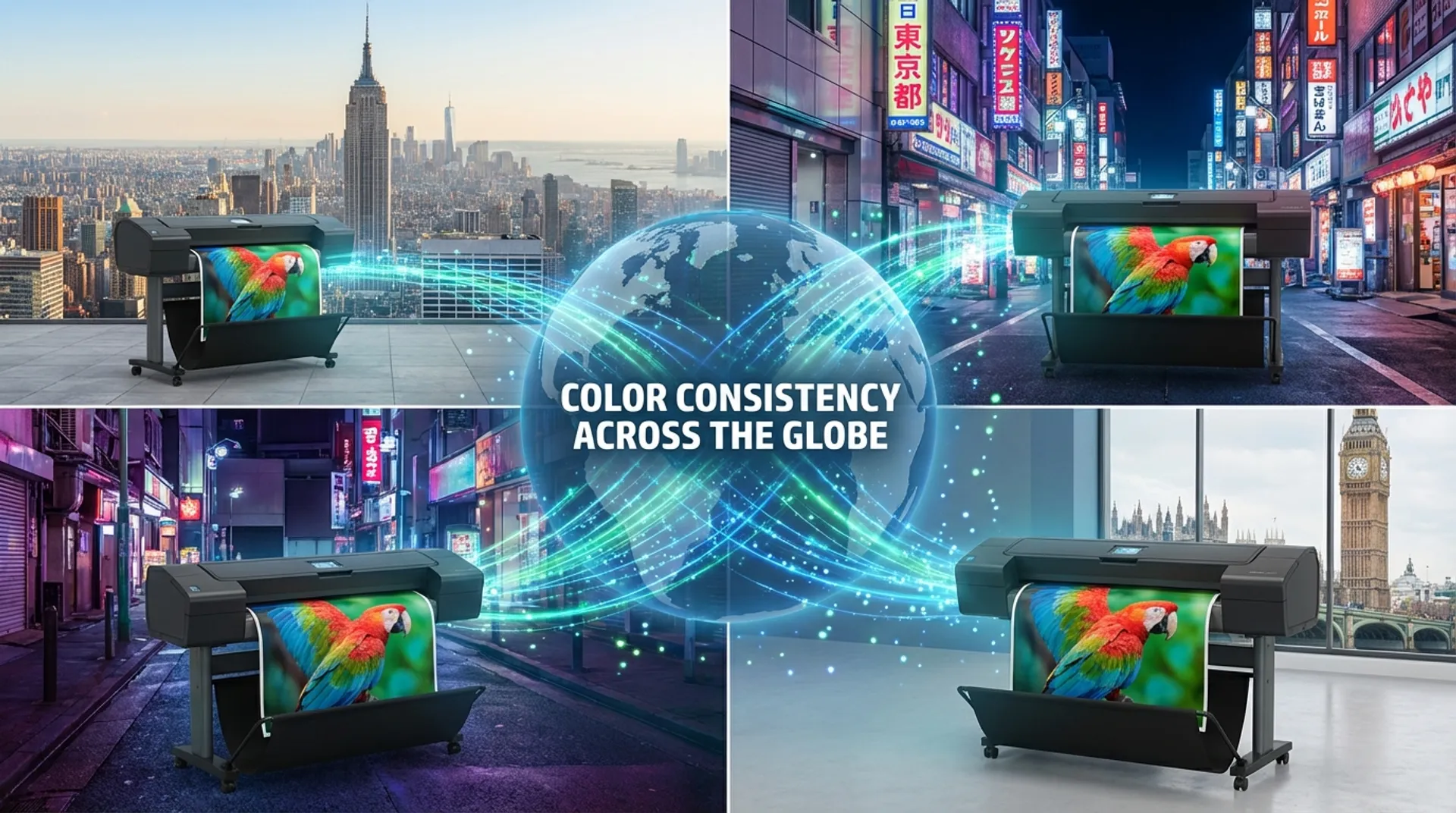
Summary: The Business Case in Short
For large retail chains (think supermarkets, fashion houses), international franchise organizations, and large print companies with multiple production locations, consistency is the biggest challenge of all. The campaign poster for the summer sales printed at the branch in Antwerp must look exactly the same as the poster rolling out of the machine in Brussels, Liège, or Luxembourg. If “Red” on one printer leans towards “Orange” and on another towards “Purple”, this damages the brand identity and the professional image of the entire retail chain. The marketing department at headquarters wants and demands control. The solution to this problem does not lie in magic or luck, but in measurable science: the use of central ICC profiles and automatic, periodic calibration on the HP DesignJet (e.g., the Z9) Z-series.
The Problem: Every Device is Unique (The Drift)
It is an annoying physical fact: even two identical printers (even the same Z9+ model, with the same ink set, produced consecutively on the same day in the factory) do not print exactly the same “out of the box”. And certainly not over time. Why not? There are variable factors at play:
- Aging: Printheads age. A head that has already printed 10 liters of ink fires drops slightly differently (in volume and direction) than a brand new head.
- Paper Variance: Paper is often a natural product. Every “batch” or roll of paper can differ slightly in whiteness (white point), coating thickness, or absorption from the previous delivery.
- Environment: Temperature and humidity have an enormous impact. Ink dries faster in a warm room, which affects how the dots merge (dot gain). A printer in a warm basement prints differently than a printer in a cold warehouse.
- Time: Printers “drift” away from their standard as time passes.
The result is that branch A prints a warm (reddish) tint and branch B a cool (bluish) tint. This is unacceptable for brands like Coca-Cola, Ikea, Coolblue, or banks, which have strict corporate identity rules (Brandbooks) in which colors are fixed.
The Solution: Closed Loop Color Calibration (CLC)
The HP DesignJet Z-series (Z6/Z9+ and the new Z6 Pro/Z9+ Pro) has a secret weapon on board: a built-in spectrophotometer (i1 from X-Rite). This small, precise measuring device is located in the printhead carriage and makes “Closed Loop” calibration possible, without the need for expensive external measuring equipment costing thousands of euros.
The Step-by-Step Plan for Multi-Site Consistency
How do you roll this out across 10 or 50 branches?
1. The “Golden Master” (The Reference)
You choose one printer at headquarters or at the main branch as the “Golden Master”.
- You optimize this printer (clean/align heads).
- You load the paper that will be used throughout the chain.
- You create (or have Europlan create) a perfect Master ICC profile for your specific paper (e.g., Blueback Poster Paper or Polypropylene). This profile defines exactly how colors should be translated to ink values to hit the correct Pantone colors.
2. The Distribution (.oms package)
You export this profile from the HP software as an installation file (.oms - Open Media Solution) or distribute it via HP Web Jetadmin software.
- You install this single profile on all other printers in the fleet (the “Slaves” or satellites).
- Now all printers have the same instruction set (“The Map”).
3. Local Calibration (The Magic)
Now comes the crucial part. The profile alone is not enough, because every printer is physically different (see the problem of “Drift”).
- You perform the Calibration on each local printer (preferably set automatically, e.g., every Monday morning before opening time).
- The printer prints a test chart with color patches.
- The printer dries the ink.
- The built-in spectrophotometer reads these patches.
- The printer compares its own physical output with the theoretical values from the “Master Profile”.
- The correction: The printer sees: “Hey, my Gray is slightly too yellow today compared to the Master.” It internally adjusts its control (LUT - Look Up Tables) to correct this specific deviation.
- It “straightens itself out” to match the Master again.
4. The Result
All printers are now “aiming” at exactly the same target. The deviation between different printers (inter-device agreement) is minimized to a Delta-E < 2.0. This is a difference that is virtually invisible to the human eye. The posters in Antwerp and Brussels are identical.
Business Fundamentals: Scalability and Control
When you grow from 1 to 10 or 100 branches, you don’t want quality to become unmanageable.
1. Central Management (Brand Protection)
The marketing department or quality manager at headquarters determines the quality and paper choice.
- You can configure the printers (via PIN code or admin password) so that the local operator cannot change or delete the color profile.
- The operator only has to load paper and press “Print”. They don’t need to be a color expert.
- You eliminate “local creativity” and errors.
2. Cost Savings (No Travel)
Without this system, you would have to send a technical specialist across the country to manually calibrate (“Linearize”) the printer at each branch with a suitcase full of measuring equipment. That is unaffordable.
- Now the printer does it itself.
- It costs paper (one A3 sheet for the test chart) and 10 minutes of time. That is negligible compared to travel costs and hourly wages.
3. Flexibility in Production (Load Balancing)
If the printer in branch A is broken, or overloaded by a large order, you can confidently send the print job to branch B. You are certain that the result will be the same. You can spread production across multiple machines (“Distributed Printing”) to meet deadlines.
Europlan Service: Color Consultancy
Color management is matter for specialists. Europlan acts as your knowledge partner.
- Profile Creation: We visit you to create custom ICC profiles for your specific media (e.g., a cheap poster paper you buy in bulk, or a special canvas).
- Validation: We can validate with external measuring equipment (Techkon/X-Rite) whether your fleet is indeed printing within tolerances (e.g., ISO Coated v2 or PSD).
- Training: We train your employees in correctly loading media and interpreting calibration reports.
Conclusion: Brand Guarantee
Your brand is your promise to the customer. Ensure your printers deliver on that promise, every single time, in every city. With the HP Z-series and the right workflow, color consolidation is no longer a headache, but an automated standard procedure you no longer have to worry about.
Want to optimize your multi-site workflow or are you struggling with color differences between branches?