
Summary: The Business Case in Brief
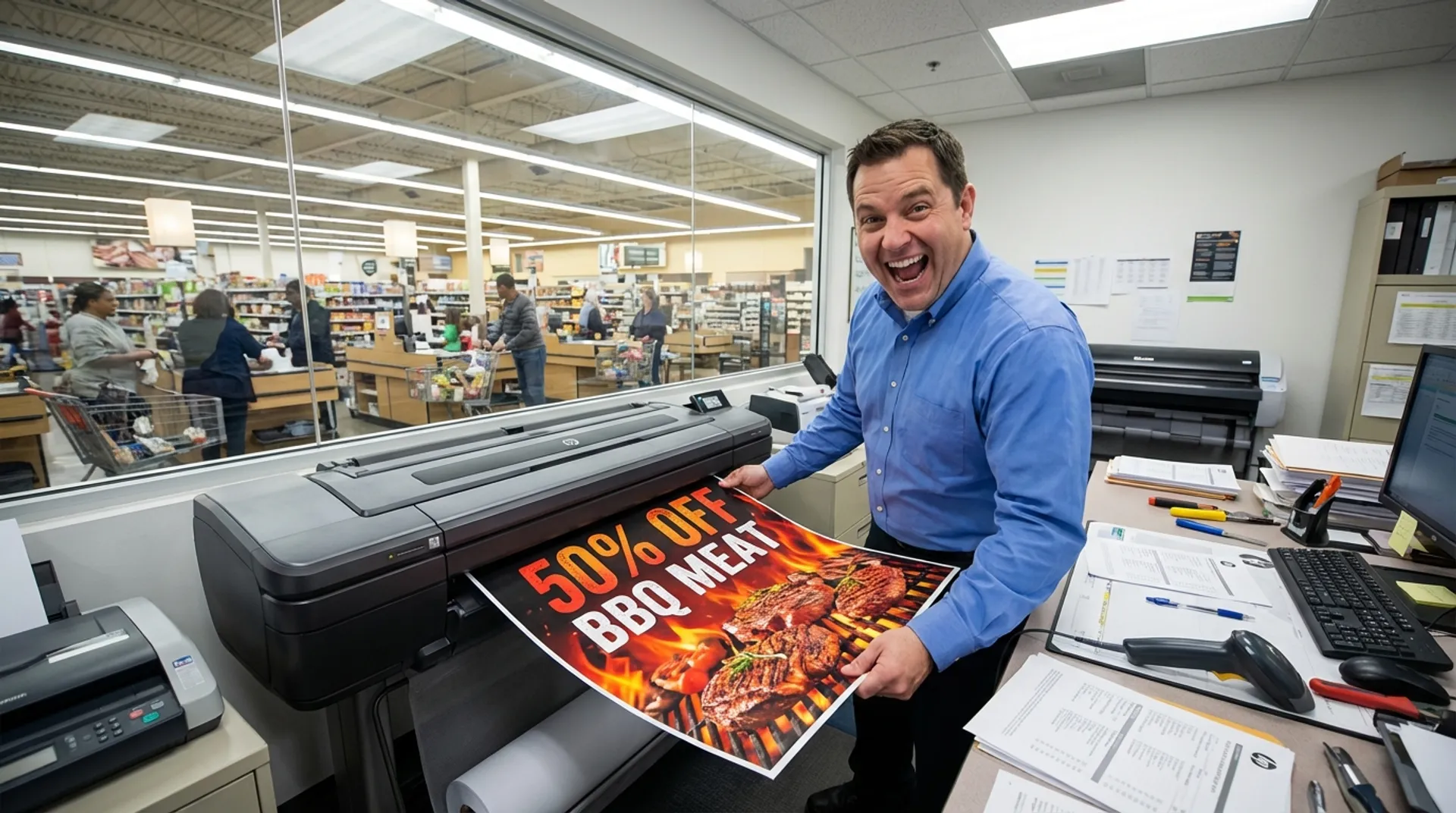
In the fast-paced world of retail (supermarkets, DIY stores, fashion, electronics), timing is everything. If it suddenly hits 30 degrees outside, you want to put up a large poster today saying “BBQ Meat & Cold Jupiler on sale”. Not next week. If you rely on an external print shop or a central head office, this process often takes 3 to 5 days: request, design, approval, printing, shipping, delivery. By that time, it’s raining again and the moment has passed. More and more store managers and franchise entrepreneurs are discovering the power of Decentralized Marketing: having a professional large-format printer (like the HP DesignJet Z-series or PageWide) in the “Back Office”. The result? Action marketing in real-time, higher conversion rates, and drastically lower costs per poster.
The Challenge: The “Cost of Delay” and Flexibility
An empty spot on the shelf or a bargain bin without a “Screaming Poster” does not sell. Customers simply walk past it.
- External costs: Ordering one A0 poster from an online printer seems cheap (€ 15), but with express delivery (€ 15 extra) and shipping costs, it adds up.
- Logistics: Posters regularly arrive damaged (creased in the tube, wet at the door) or get lost by the parcel service.
- Inflexibility: A spelling mistake in the price? (”€ 1.00” instead of ”€ 10.00”). You can throw the whole batch away and reorder. In the meantime, there’s nothing hanging there.
The problem with “One Size Fits All”
Head offices often send standard packages (POS packages). But every branch is different.
- Branch A has plenty of space for hanging banners, Branch B primarily needs shelf strips.
- Branch A has a surplus of strawberries that must go now, Branch B does not.
- Centralized direction works too slowly for local needs.
The Solution: In-House POS Production
With a modern, compact HP DesignJet (e.g., the Z6 or Z9+) in the stockroom, you transform from a passive recipient into an active marketer.
1. Speed (Time-to-Market)
The scenario: You walk through the store in the morning and spot an opportunity.
- 09:00 AM: Idea. “I still have 50 crates of watermelons.”
- 09:15 AM: Design ready (in Canva, Word, or via the head office’s templates).
- 09:20 AM: The poster rolls out of the printer.
- 09:25 AM: The poster is hanging above the bin.
- Result: Dynamic Pricing becomes visually apparent. You direct the customer flow straight to the offer.
2. Cost per Print
What does it really cost to print it yourself?
- Ink and paper for an A0 poster in full color on standard poster paper costs about € 2.50 to € 4.00 on an HP DesignJet (e.g., the T950).
- Compare that to the purchase price of € 15.00 - € 30.00 from an external party.
- You immediately save >80% on OPEX (Operational Expenditures).
- The printer itself (lease price approx. € 80/month) pays for itself at a volume of just 5 to 10 posters per month. Everything you print above that is pure profit.
3. Quality (Brand Impact)
Forget the old office printers that produced streaky, faded prints. The current generation of HP Z-printers with Vivid Photo Inks (pigment) delivers top quality:
- Splash-proof: Handy in the produce section where misting occurs, or near the flowers. Ink doesn’t run.
- UV-resistant: Posters in the shop window don’t fade after a week in the sun. Your brand keeps shining.
- Popping red colors: Thanks to the special “Chromatic Red” ink, the poster grabs the consumer’s attention. Red is the color of action/discounts, and it has to pop.
Business Fundamentals: Increasing “Basket Size”
The ultimate goal of POS (Point of Sale) material is to increase the average receipt value. Research shows that professional signage can boost impulse sales by 20% to 30%.
- A handwritten A4 sheet with a marker radiates “flea market” or a “quick fix”. It devalues the product.
- A sleek, large A1 poster with a product photo radiates “Professional Offer”. It builds trust.
- The investment in a printer is essentially an investment in conversion optimization on the physical shop floor.
Software: HP Click & Templates
“But I’m not a graphic designer!” we often hear from store managers. You don’t have to be.
- HP Click: This is free software from HP. You simply drag your PDFs, JPEGs, and TIFFs into the window. The software automatically checks for errors (files that are too small for A0), and “nests” (arranges) them on the roll to save paper. One push of the button and you print.
- Many chains work with “Web-to-Print” portals. The manager logs in, sees the brand identity templates, only fills in the price and product name, and the PDF is generated. Printing is then child’s play.
Media Tips for Retail
Europlan supplies specific retail media that make all the difference:
- Blueback Paper: This paper has a blue back and is opaque. You can paste it over old posters without the old text showing through.
- Polypropylene (Self-Adhesive): Plastic-like material for stickers on windows, doors, or refrigerated display cases. Easy to apply and remove without leaving glue residue.
- Banners: For promotions that need to hang above the aisles.
Conclusion: Take Back Control
Don’t wait for the head office. Don’t wait for the courier. As an entrepreneur in retail, you want to act, not wait. A large-format printer gives you the freedom and agility to adapt your shop floor to customer needs at any time of the day.
Want to see how easy it is? Come by with a USB stick and your own promotion.
Read also
- Product/Solution: discover retail & poster printing
Book a demo and print your first promotional poster yourself in 2 minutes