
Summary: The Business Case in Short
When purchasing a large format printer, everyone looks at the specifications: How many seconds per A0? What is the resolution? But almost no one looks at what happens after the printhead. Standard printers have a fabric collection basket (“Basket”). The print falls into it.
- If you print 1 drawing: Fine.
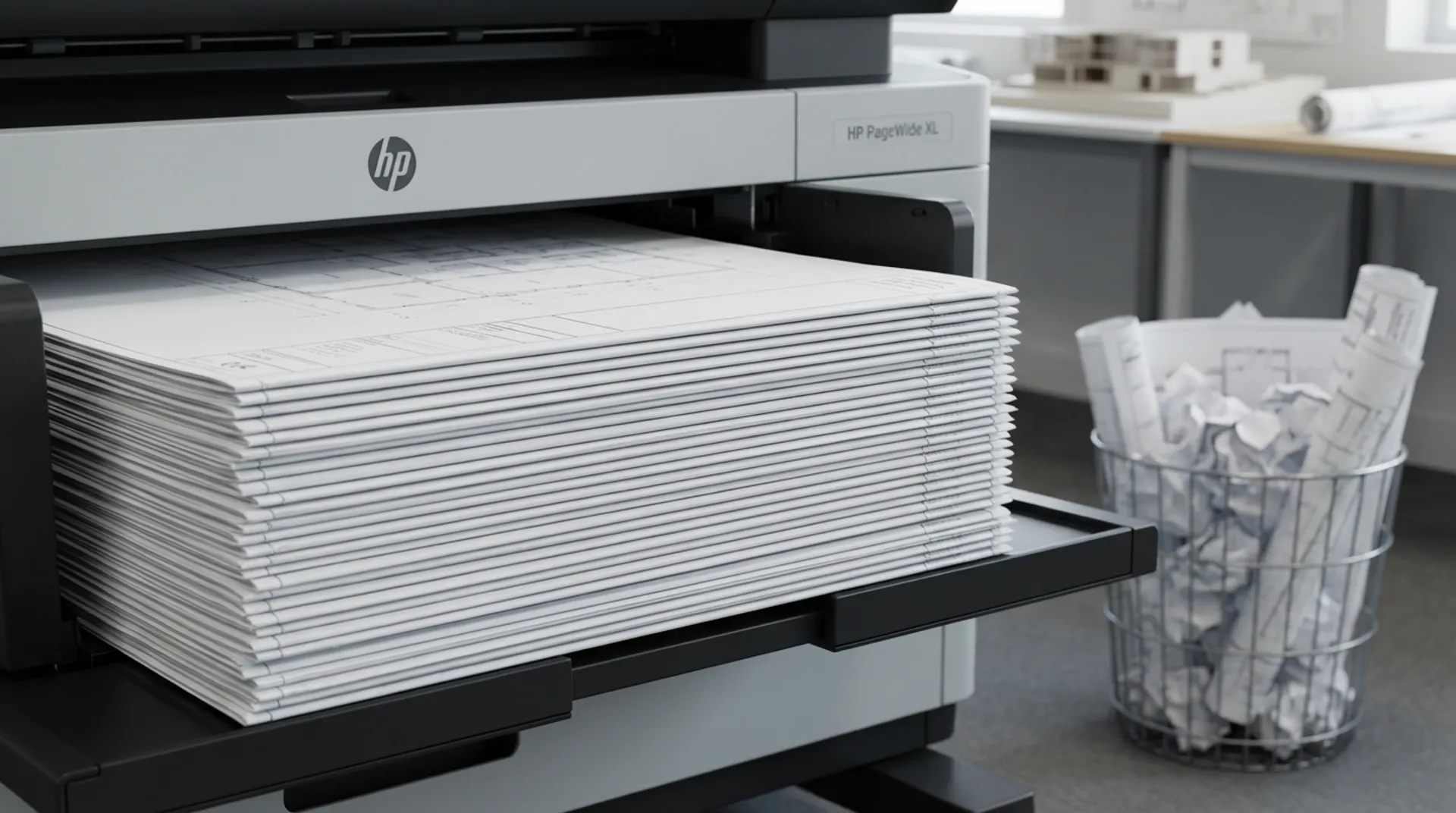
- If you print 50 drawings: Disaster. The drawings fall on top of each other, crease, the ink (if still wet) rubs off on the back of the next one (“Offsetting”), and the order gets mixed up. You spend 20 minutes sorting (“Collating”) and smoothing. The High Capacity Stacker (HCS) or Top Stacker is the unsung hero of the repro department. It lays up to 100 prints neatly flat, dry, and in order.
The Problem of the “Spaghetti Basket”
The standard collection basket is a compromise.
- Creases: Heavy prints with a lot of ink (renders) fold over under their own weight.
- Chaos: Pages 1, 2, and 3 are not neatly stacked. Page 4 slides out onto the floor.
- Time Loss: Your highly-paid engineer stands next to the printer waiting to catch each sheet. That is a destruction of capital. The machine must be able to work autonomously (“Unattended Printing”).
The Solution: Professional Stackers
HP offers various solutions for the DesignJet (e.g., the XL 3600 MFP) and PageWide series.
1. The Top Stacker (DesignJet T1600/T2600)
A brilliant innovation. The prints do not come out at the front but are placed on top of the printer.
- Capacity: Up to 100 A0 sheets.
- Gravity: The prints lie flat. They do not curl up.
- Compact: It takes up no extra floor space (Zero Footprint).
- Order: The last page is on top (or bottom, adjustable). You grab the stack and staple it -> Done.
2. The High Capacity Stacker (PageWide XL)
For the true production beasts. This is a separate unit behind the printer.
- Capacity: Up to 500 sheets.
- Speed: Can keep up with the brute speed of 15-30 A1 per minute.
- Smart: Sensors detect if the tray is full and pause the printer.
- No Curl: Due to the design, prints are “de-curled” before being laid down.
Business Fundamentals: The Time-is-Money Factor
Let’s do the math. You print a tender set of 100 drawings.
- Without Stacker: Someone must stay with it (30-minute wait) or spend 15 minutes sorting and smoothing afterwards. Cost: 0.5 hours at € 80 = € 40 per print job.
- With Stacker: You press print and go to lunch. An hour later, you pick up a perfect stack. Cost: € 0.
- With 2 large jobs per week, the stacker saves you € 4,000 per year in man-hours. The option costs maybe € 800 - € 1,500 at purchase. The ROI is less than 6 months.
Europlan Service: Trial Placement
Are you unsure if a stacker is necessary? With our rental and demo machines, we include extended collection options as standard. You will notice: once you are used to a stacker, you will never want to go back to the “dust basket”. It is the difference between amateurish tinkering and professional production.
Conclusion: Complete the Circle
Speed is nothing without control. A printer that spits out 100 sheets per hour is worthless if those 100 sheets end up on the floor as papier-mâché. Invest in the finishing. Invest in a Stacker.
Do you want to see the Top Stacker in action?