
Summary
In the printer room (or just in the hallway) of many offices, it is a familiar but worrying sight: the printer’s output tray is full of uncollected prints. Financial quarterly figures not yet published, detailed salary slips of management, CVs with photos of applicants, and construction plans of highly secured objects (such as banks, data centers, or military sites). Anyone walking by – colleagues, the cleaning crew, visitors, couriers, customers – can view, photograph, or take them. This is a data leak according to GDPR legislation. The solution is simple, elegant, and also saves costs: the print job is only physically printed when the owner stands next to the printer and identifies themselves. This is called “Pull Printing” or “Secure Release”.
The Problem of “Push Printing” (The Old Way)
In the standard, traditional workflow (“Push Printing”), you send a job to the printer, and the printer starts running immediately. The paper rolls out and stays there until someone picks it up. This system has three fundamental problems that cost companies money and reputation:
1. Security Risk (Confidentiality)
Privacy-sensitive information is left unattended. This is the “human factor” in security.
- Scenario A (Internal): An HR manager prints a confidential termination letter for an employee. He gets a call and forgets about the print for a moment. Another colleague walks past the printer and sees the letter. Result: internal unrest, gossip, and privacy violation.
- Scenario B (External): An architect prints the detailed security plans of a new courthouse. A visitor (a competitor’s subcontractor or a journalist) sees them lying there while getting coffee. He quickly takes a photo with his smartphone. Result: a serious security breach and breach of contract.
2. Waste (Sustainability & Cost)
Research show that on average 20% of all printed pages in offices are never collected. They stay until evening and end up directly in the paper shredder or the trash.
- Psychology: Employees click “Print”, get distracted by a Teams message, and forget it.
- Errors: Employees accidentally send the job twice (“It didn’t work? Let me click again”) and later see two identical stacks.
- Ghost Prints: Employees go home and leave the prints behind. This is a huge waste of paper, expensive ink/toner, and energy. In a company with 50 employees, this can amount to thousands of euros per year.
3. Confusion (Workflow)
Colleague A accidentally takes the stack of prints from Colleague B, which was underneath. Colleague B comes to the printer, finds nothing, thinks the printer is broken, and prints again (more waste) or calls the IT helpdesk in frustration.
The Solution: Pull Printing (Follow-Me)
With solutions such as HP Secure Release, PaperCut MF, YSoft SafeQ, UniFlow, or Equitrac, the workflow changes fundamentally. The printer is no longer a passive output device but an active authentication point.
How does it work? (The 5 Steps)
- The Order: The user selects “Print” on their PC or laptop. The job is not sent to a specific printer, but to a secure, central queue on the print server (or in the cloud). The document remains encrypted while waiting.
- The Walk: The user walks to any printer in the network. Doesn’t matter which one. Is there a line at the printer on the 1st floor? Walk to the 2nd. Is the plotter in the department busy or has a paper jam? Use the one in the meeting room.
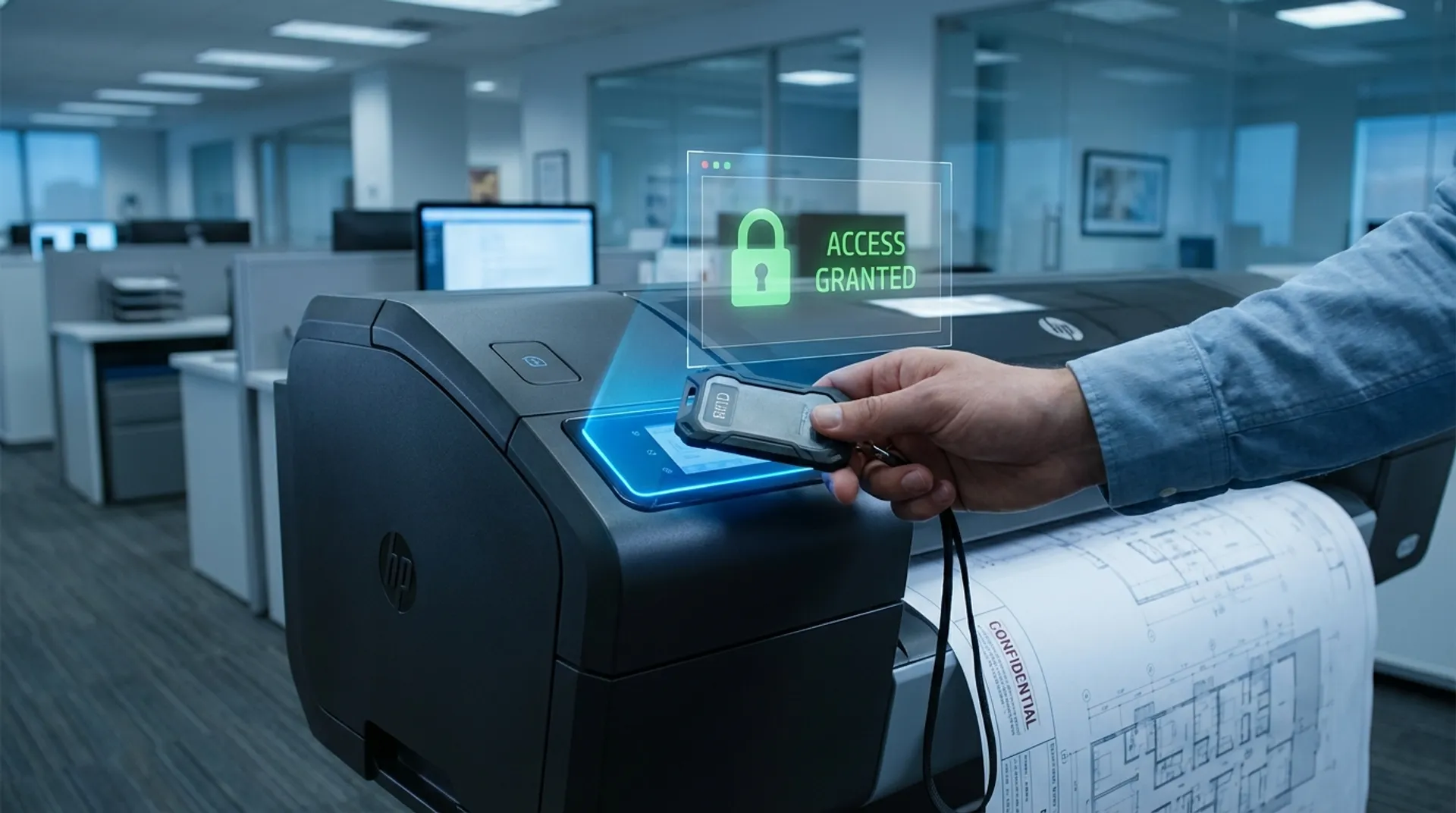
- The Authentication: They identify themselves at the printer. This can be done in various ways (see below).
- The Release: Their personal job list (“My Documents”) appears on the printer’s large touchscreen. They see the filenames, the number of pages, and the costs. They select the documents they want to have (and delete what they accidentally sent twice).
- The Print: The printer starts running only now. The user is standing right there, takes their prints directly from the tray, and walks away.
Authentication Methods
How does the printer know who you are?
- Card Reader (The Standard): Most companies already use RFID cards (badges, fobs) for access to the building or the coffee machine. The printer has a card reader (built-in or external via USB). You hold your badge in front of it (“Tap & Go”).
- Technology: Supports HID Proximity, iClass, Mifare, Legic, NFC, etc.
- PIN Code: No badge system? Use the PIN code function. The user types a 4 to 6 digit code on the touchscreen. No extra hardware costs.
- Mobile Authentication: Via Bluetooth (BLE) or NFC on the smartphone. The user unlocks the printer with their phone via the HP Smart App or the print solution’s app.
- Biometrics: In highly secure environments (government/defense), even fingerprint or facial recognition can be used.
Business Fundamentals: GDPR Compliance and ROI
For governments, healthcare institutions, law firms, and financial institutions, Secure Release is not a luxury, but a necessary measure to prevent fines and reputational damage.
- GDPR: Article 32 obliges you to take “appropriate technical and organizational measures” to secure personal data. Secure Release is such a measure that prevents data leaks through ‘human error’ (leaving documents behind). It shows that you are “in control”.
- Audit Trail: The system keeps track of exactly WHO, WHAT, WHERE and WHEN has printed. In the event of a data leak, you can look back in the logs to see who actually collected the document.
- ROI (Return on Investment):
- Cost Reduction: By eliminating the 20% of uncollected prints (which are automatically removed from the queue after e.g. 24 hours), you save directly on paper and ink.
- Less Support: Fewer calls to the Helpdesk (“My print is lost”, “The printer isn’t working”).
- Device Consolidation: Because users can walk to any printer, you need fewer printers. If one printer is broken, work doesn’t stop; you just walk to the next one.
HP Access Control & Authentication on Large Format
Many companies already have this on their A4 copiers (Xerox/Canon/Ricoh) in the hallway. But the A0 plotter is often forgotten (“That’s for the drawing room, it’s not necessary”). This is a dangerous misconception. Construction plans are intellectual property and often contain highly sensitive information about security, infrastructure, and contract values.
- Full Integration: Modern HP DesignJet (e.g., the XL 3600 MFP) (T1600/T2600/XL 3600) and PageWide XL machines have the same intelligence as an A4 MFP. They run the same firmware and integrate seamlessly into your existing PaperCut, YSoft or UniFlow system.
- No separate server needed: For smaller offices (SMB), the software can even run on the printer itself (“Serverless Printing”), so you don’t have to manage an expensive print server.
- Ease of Use: The interface on the large 15-inch screen of the HP DesignJet (e.g., the XL 3600 MFP) T2600 is identical to that on your tablet. You see a preview of your print before you release it.
Europlan Service
We implement authentication on your existing fleet or on new machines.
- Hardware: We supply and install the right card readers (compatible with your existing badges - we read them to determine the correct frequency).
- Software Coupling: We link the printer to your Active Directory (LDAP) or Azure AD for central user management. If an employee leaves the company and is removed from the AD, they can no longer print immediately.
- Advice: We advise on the optimal setup of queues (“Follow-Me” vs “Direct Print”) and retention policy (how long can a print job stay in the queue?).
Conclusion: Your badge is the key
Secure printing is the norm in the business world. It saves significant money, protects your data from prying eyes, and makes life easier for the user (no more waiting for a busy printer, just walk to the next one). Why would your plotter be an exception?
Do you want the peace of mind and certainty of a clean output tray and a compliant organization?