
Summary
On October 18, 2024, the European NIS2 Directive (Network and Information Security Directive) came into effect. Thousands of organizations in ‘essential’ and ‘important’ sectors (government, energy, transport, water, digital infrastructure) must demonstrate their cyber resilience. The focus is often on firewalls, servers, and email security. However, one crucial part of the IT infrastructure is systematically forgotten: the large format printer (plotter).
These devices process the most sensitive data of our infrastructure: from blueprints of nuclear power plants to the sewage plans of a city. Yet they often stand unattended and unsecured in a hallway. In this article, we expose the risks and show how you can become demonstrably compliant with HP and Europlan.
The Vulnerable Print Room: An Open Door
A modern plotter (such as an HP PageWide XL or DesignJet Z9+) is not a “dumb” peripheral. It is a powerful server:
- It has a full Linux-based or Windows IoT operating system.
- It has its own hard drive (500GB+).
- It is directly connected to the corporate network (often without VLAN isolation).
- It has a web interface (Embedded Web Server).
The Scenario:
A malicious actor (inside or outside the organization) gains access to the network. They scan for open ports. They find a plotter on IP 192.168.1.50 with a default password like admin/admin.
What can they do?
- Data Theft: The printer’s hard drive stores the “jobs” from the past few weeks. They download the PDFs of confidential construction plans, contracts, or tender documents.
- Lateral Movement: They install malware on the printer (which is often not monitored by antivirus). From the printer, they attack deeper into the network, specifically Active Directory or database servers. The printer becomes a ‘beartrap’ or ‘proxy’.
- Sabotage: They wipe the configuration or overwrite the firmware, bringing the entire production to a halt (Denial of Service).
This is not theory. Printers are a popular target in advanced cyberattacks (APTs) because they are typically the “weakest link.”
The Solution: HP Wolf Security & Secure Boot
HP recognized this danger years ago and leads the market with HP Wolf Security for large format. This is a suite of hardware and software measures built into the machine (‘Secure by Design’).
1. HP Sure Start (BIOS Protection)
This is unique in the industry. Upon every startup, the printer checks its own BIOS code (the deepest firmware).
- If it detects tampering (e.g., by malware or a corrupt update), it stops the startup process.
- It then automatically reloads a safe, encrypted “Golden Copy” of the BIOS from a separate chip.
- The printer heals itself (“Self-healing”) and sends an alert to the system administrator (via SIEM/Syslog).
2. Whitelisting
The printer only executes firmware that is digitally signed by HP with a valid certificate. If a hacker tries to load manipulated code, the printer refuses to run it.
3. Self-Encrypting Hard Drive (SED)
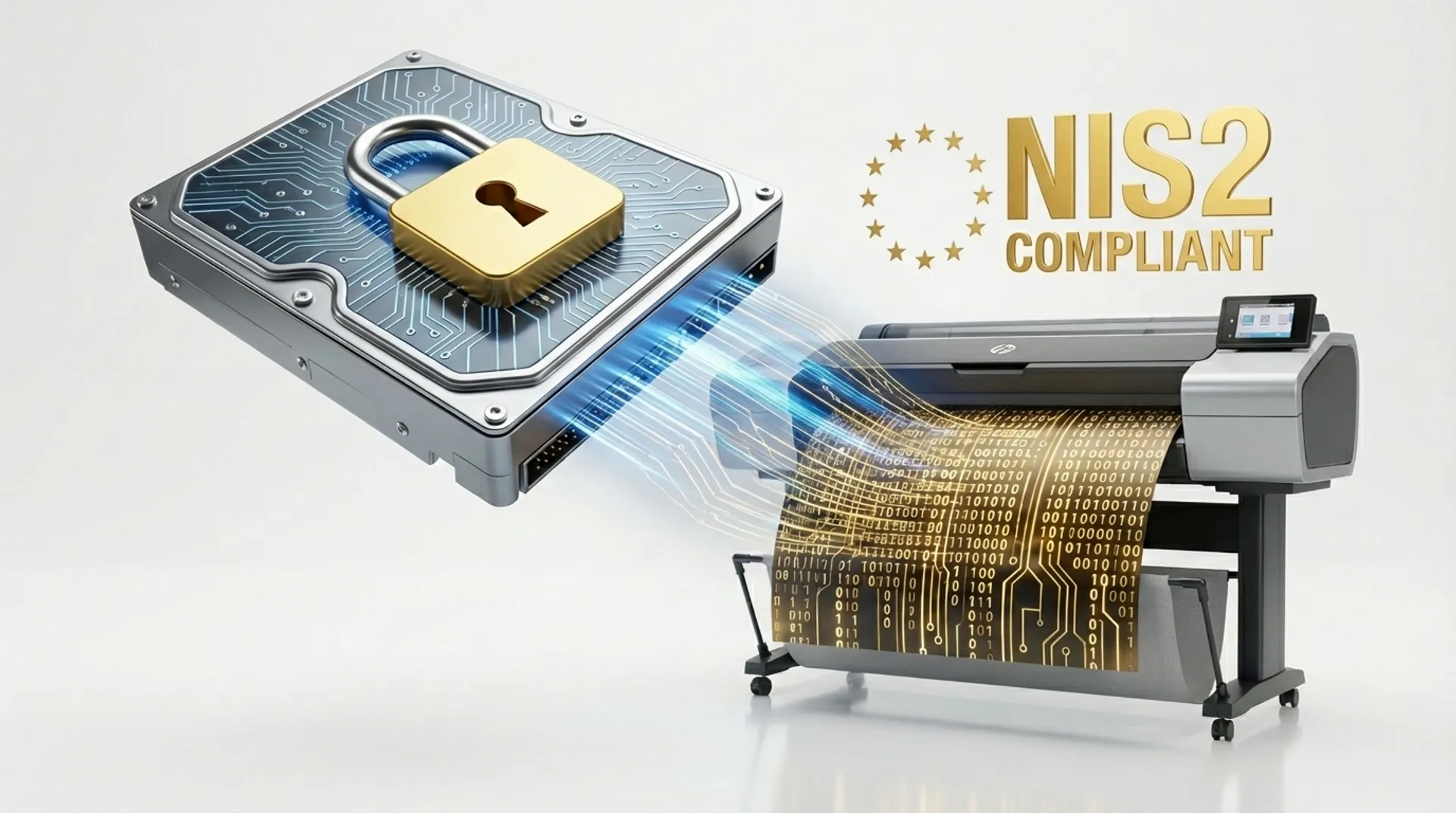
All data written to the printer’s hard drive (during the Ripping of the print job) is immediately encrypted with AES-256 encryption.
- The encryption key is on a TPM chip on the motherboard, not on the disk.
- If someone physically steals the hard drive from the printer and connects it to a PC, they see only unreadable data (“garbage”).
NIS2 Checklist for Your Plotter Fleet
If you fall under the NIS2 directive, you must take “appropriate measures” and be able to report incidents. Here is your checklist for the plotter:
-
Access Control:
- Question: Who is allowed to print?
- Solution: Enable “Pull Printing.” Users must authenticate with their badge or PIN code before the print is released. (See our other blog).
- Solution: Block the USB port physically or via software.
-
Encryption:
- Data at Rest: Is the HDD encrypted? (Yes, with HP SED).
- Data in Motion: Are you using IPsec? Is the web interface forced to HTTPS (TLS 1.3)? Are you printing via secure protocols (IPps) instead of open port 9100?
-
Logging and Monitoring:
- Question: Do you know what is happening?
- Solution: Forward the printer’s Audit Logs (who logs in, who changes settings) to your central SIEM system (Security Information & Event Management) via Syslog.
-
Patch Management:
- Question: Is the printer running the latest firmware?
- Solution: Use HP Web Jetadmin or Europlan Fleet Management to deploy updates centrally.
Business Fundamentals: Reputation Damage vs. Investment
Fines under NIS2 can escalate to €10 million or 2% of total worldwide annual turnover. But the real price is reputation and trust.
- A municipality leaking sewage plans -> Risk to public safety.
- A defense contractor leaking plans for military barracks -> National security risk.
- An architect leaking the design of a competitive project -> Loss of client.
The additional cost of a secure HP DesignJet (e.g., the XL 3600 MFP) (e.g., the XL 3600 MFP) or PageWide machine (which has these features as standard) is zero compared to the cost of a single incident.
Europlan Service: Security Audit
We help you demonstrate compliance. We are not security consultants, but we are printer specialists.
- Security Manager: We can use HP Security Manager software to lock down your entire fleet at once (“Policy Based Security”). We set a policy (e.g., “No FTP, yes HTTPS, min. password length 12 characters”) and apply it to 50 printers with one click. If someone changes a setting, the software automatically resets it at night.
- Disk Wipe: Upon replacement or contract end, we can physically destroy the hard drive or provide you with a Secure Erase certificate (DoD 5220.22-M standard).
Conclusion: Secure the Weakest Link
Do not allow your plotter to be the open back door of your organization. NIS2 requires a holistic view of IT security. Large format is an integral part of that.
Do you want to know if your current machines meet the standards of tomorrow?
See also
- Product/Solution: view our IT security solutions